
Hus
means house.


For iPhone & iPad
Your home maintenance diary — track fixtures, log full service history, and optionally tag them in AR. No login required.
Three steps from first fixture to a maintenance diary you can actually trust — AR is a bonus, never a requirement.
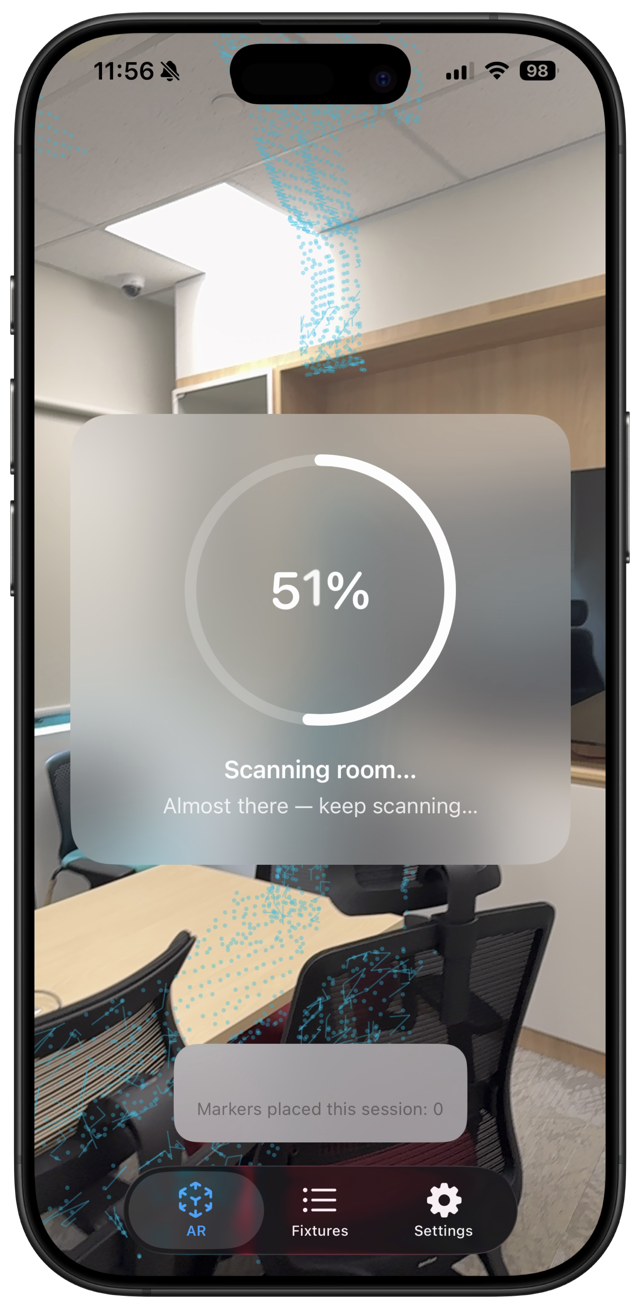
Add fixtures from the list anytime. When you want spatial tags, scan a room once so Husvarde can map the space.
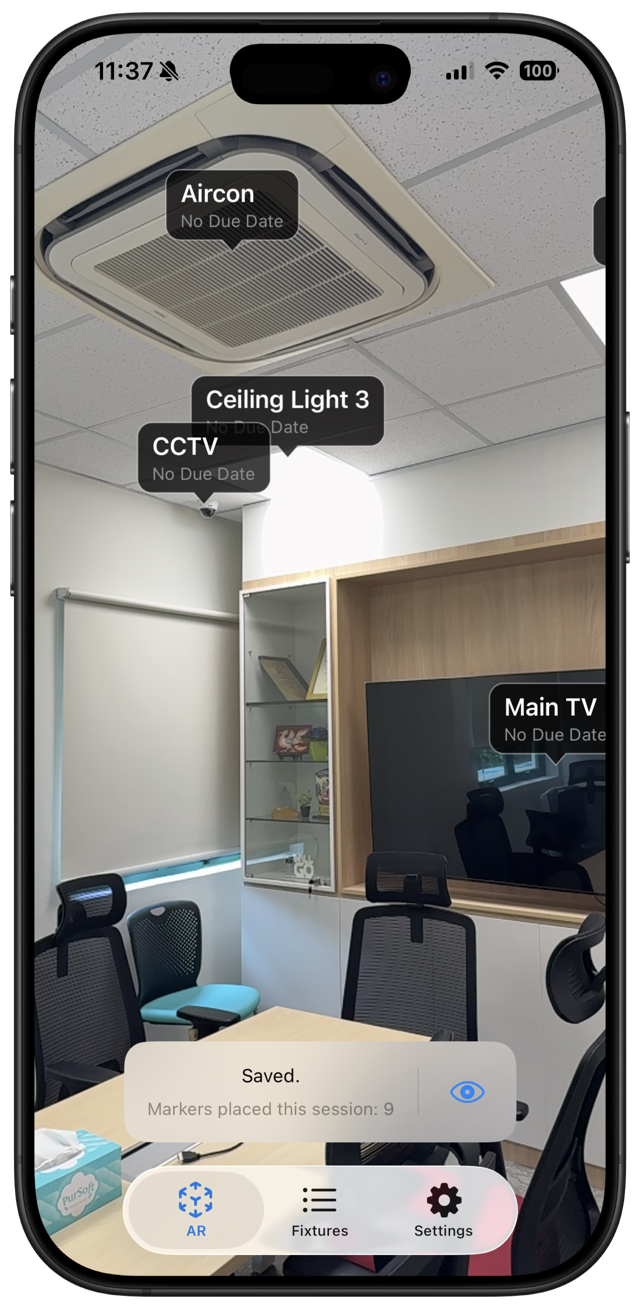
Tap to place AR markers on bulbs, aircons, and anything else you want to see in the room — or skip tagging and track from the list.
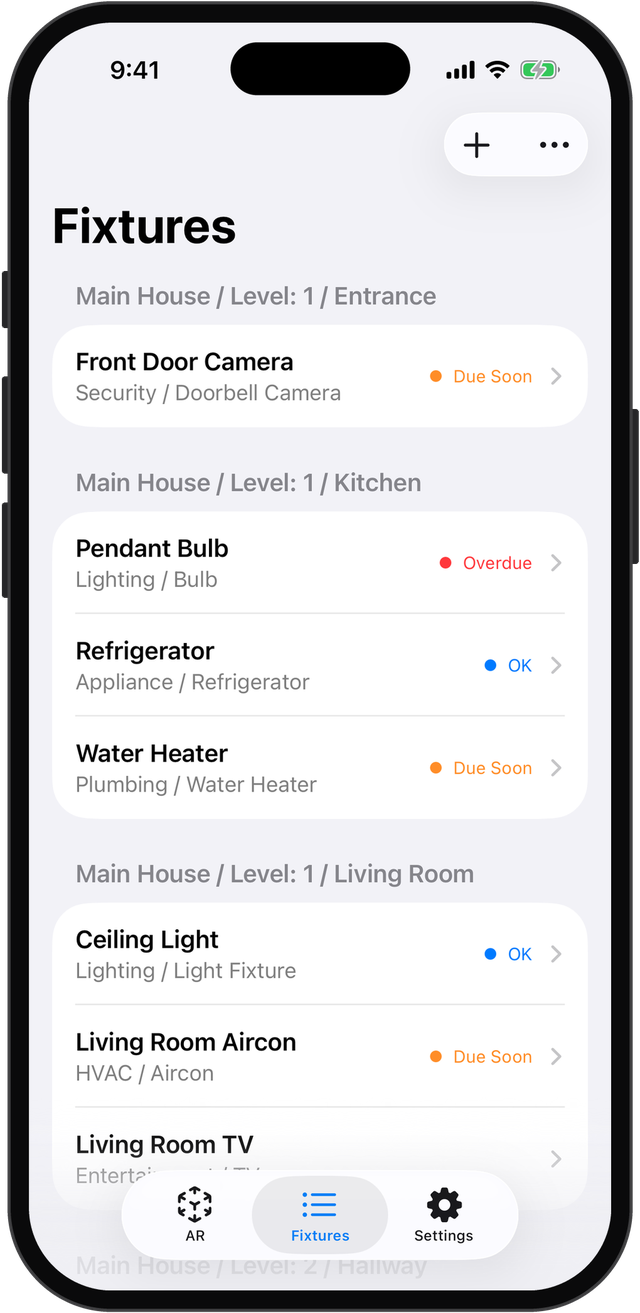
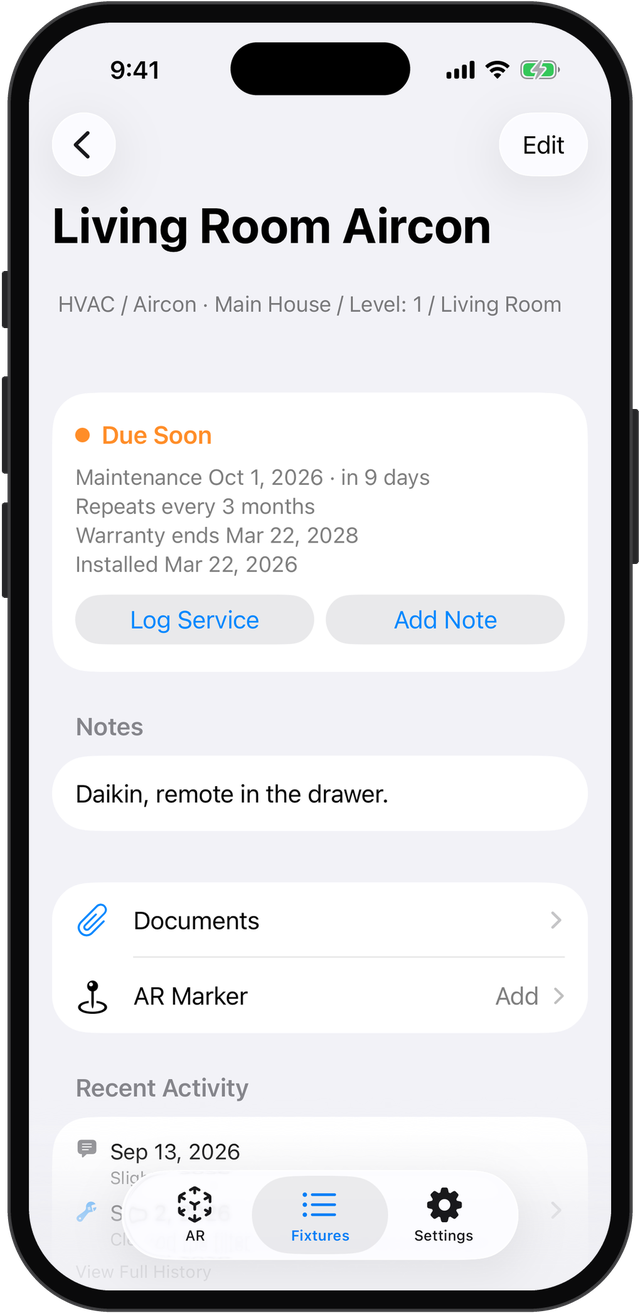
Log service history and due dates — even set maintenance to repeat — with no cap on depth. Status colors show what needs attention at a glance.
Read the full Guide for a step-by-step walkthrough — getting started, tracking without AR, attachments, optional room scanning, reminders and the Home Screen widget, and free vs. unlocked.
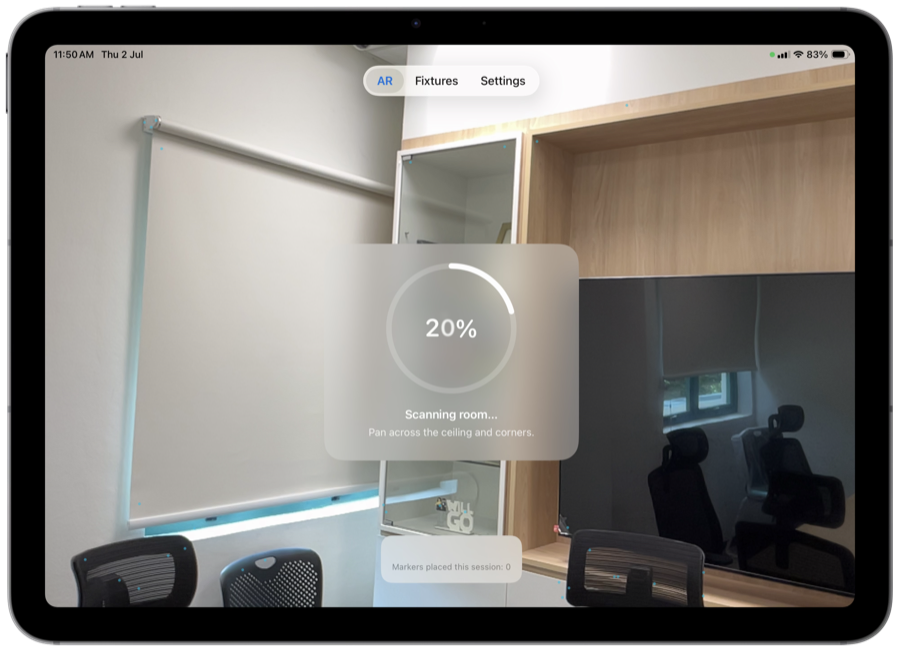
Sets up AR tracking for your home
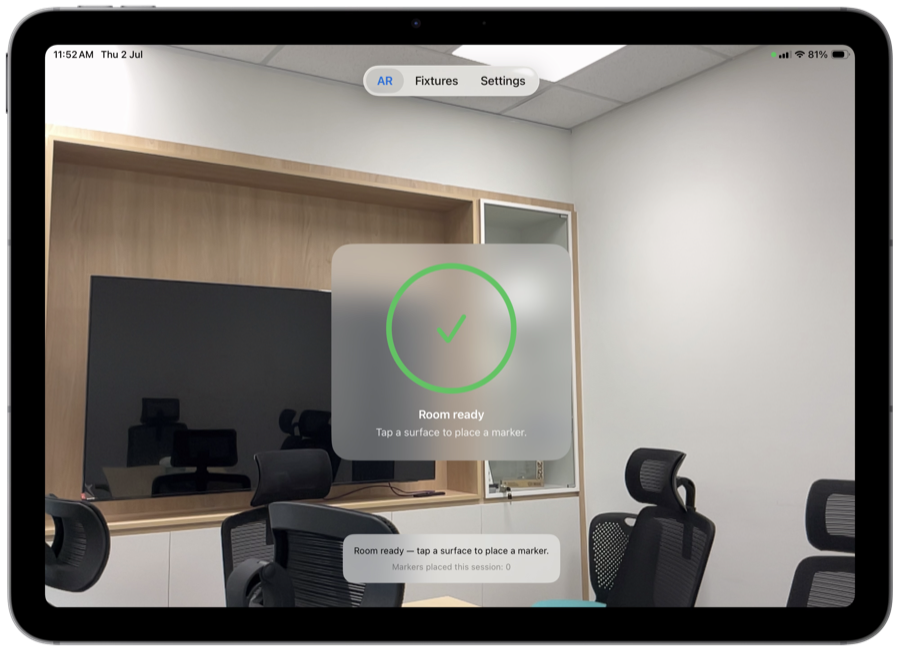
Mapped and ready for tagging
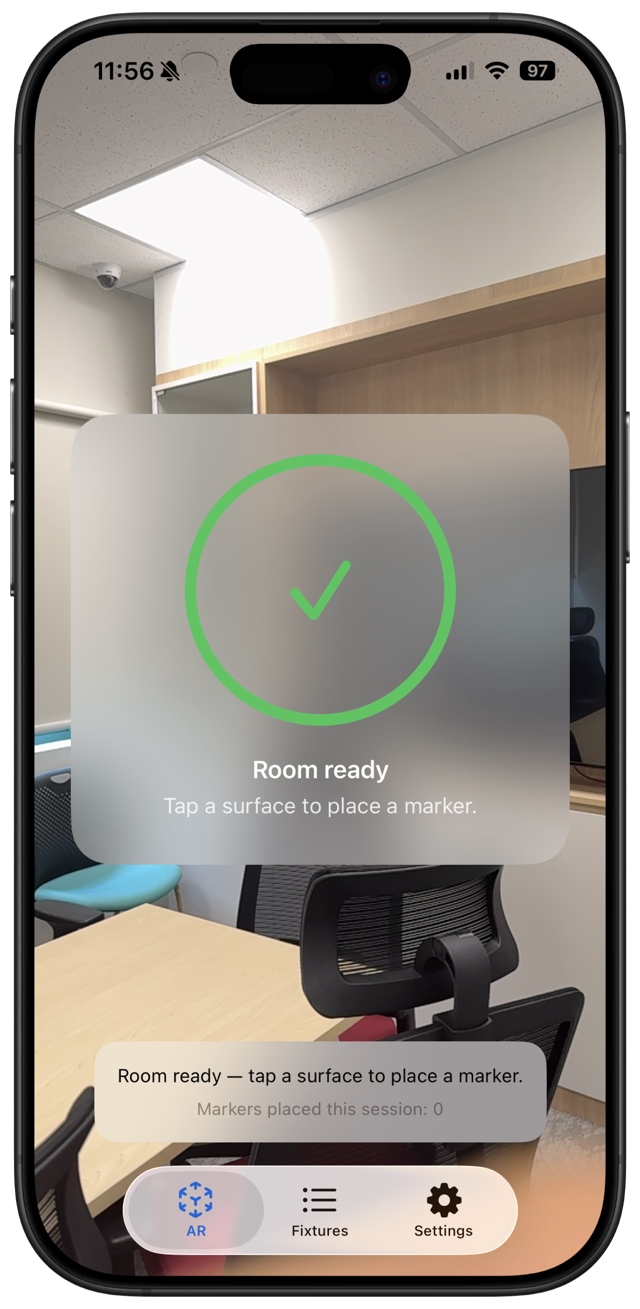
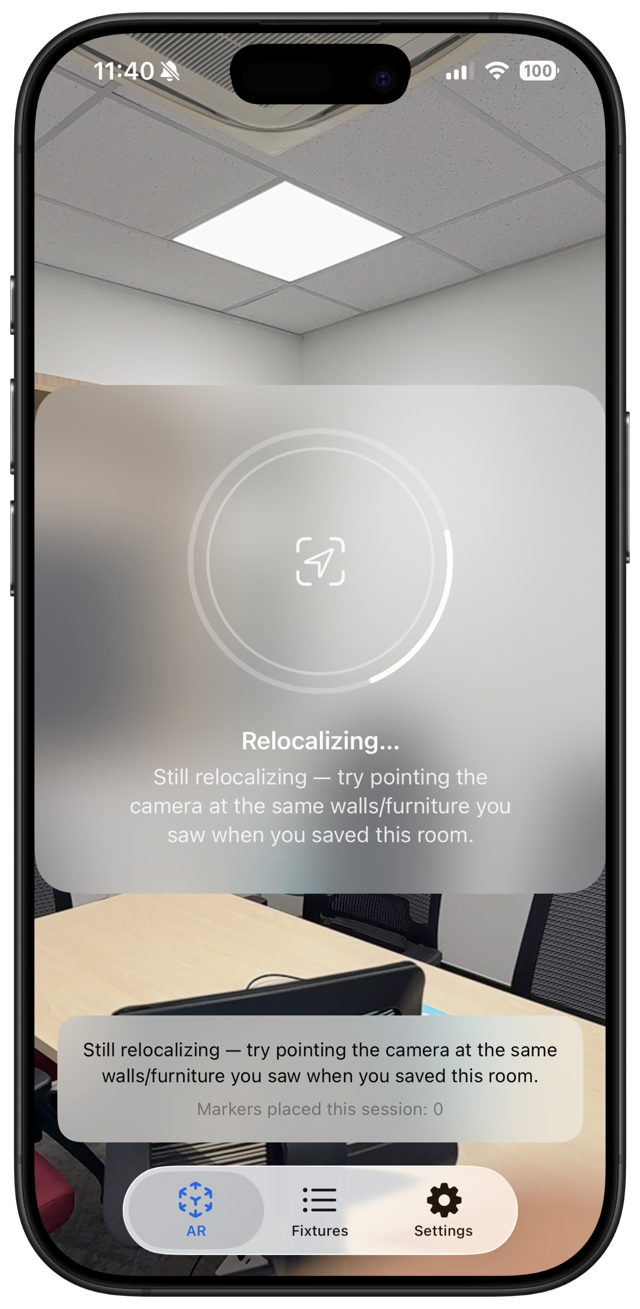
Finds its bearings the moment you return
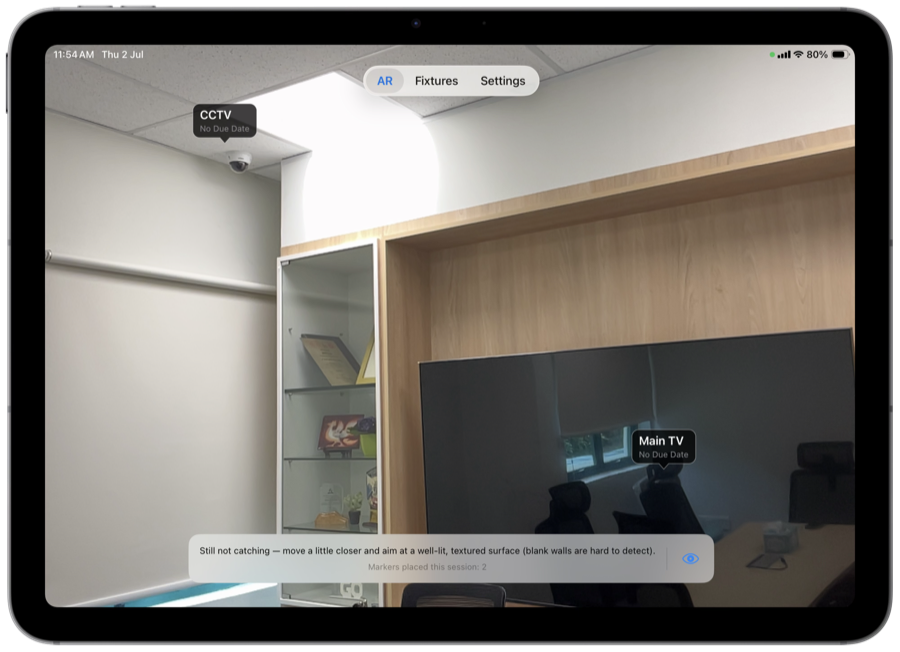
Tap a marker to reveal its status
Grouped by room, status at a glance
Status, dates, and history at a glance
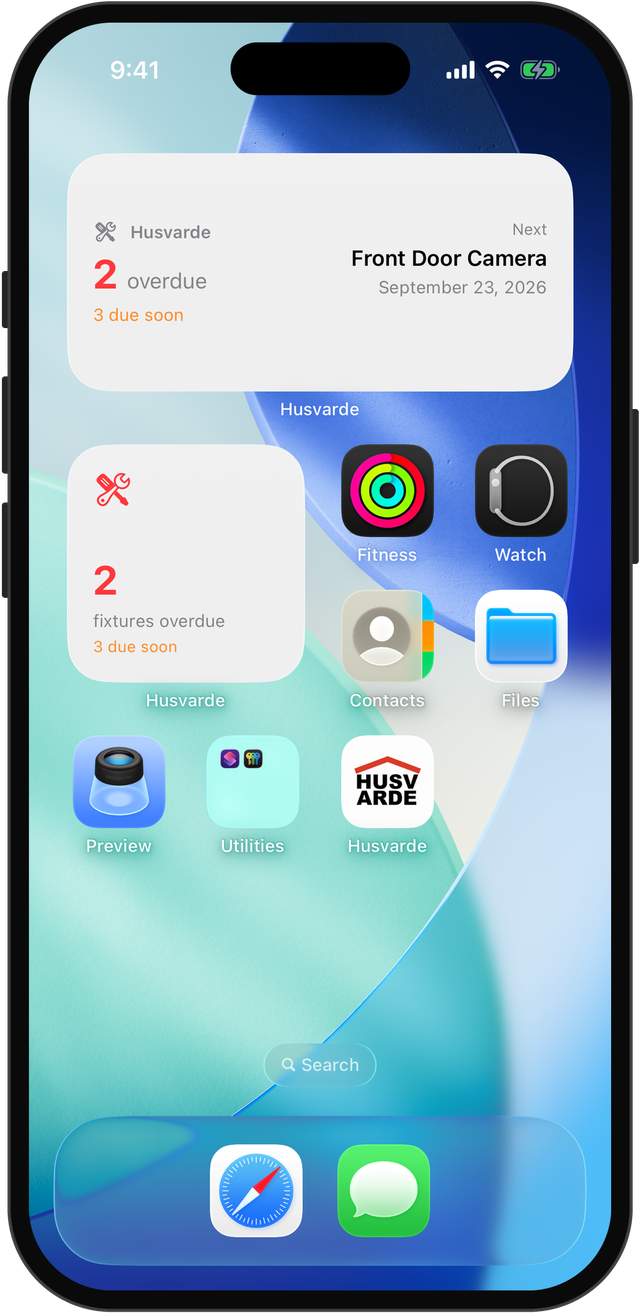
A Home Screen widget shows what's overdue
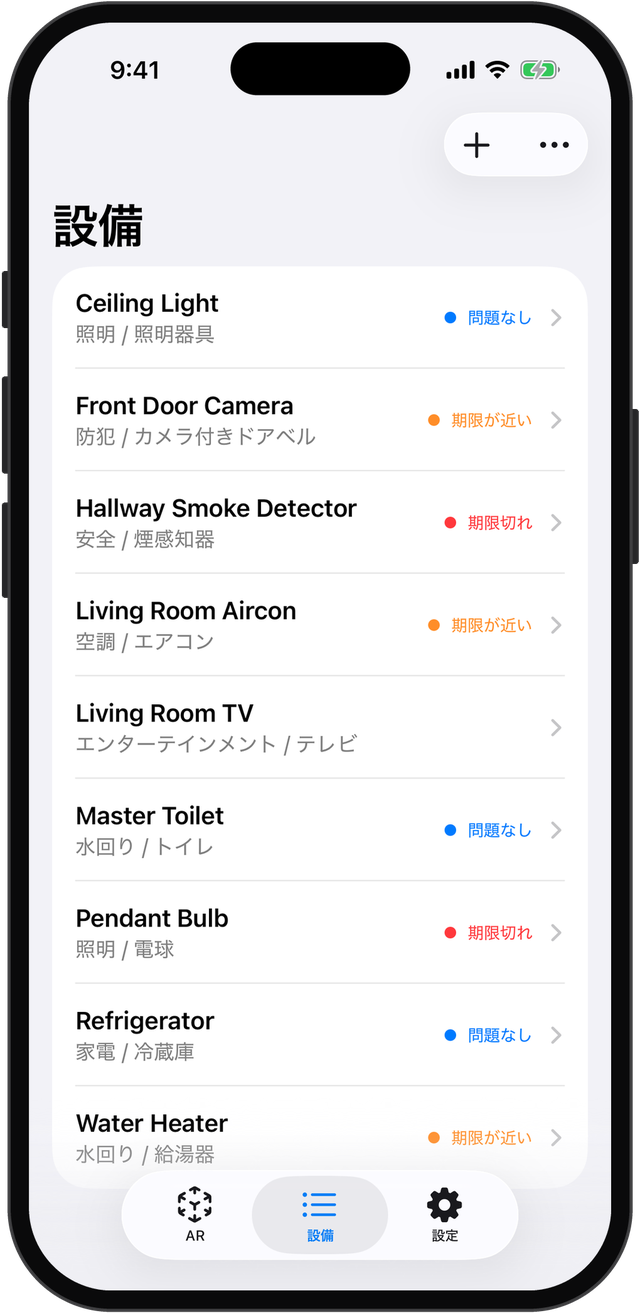
Available in 11 languages
Set up AR tracking for any room in your home
Your room is mapped and ready for tagging
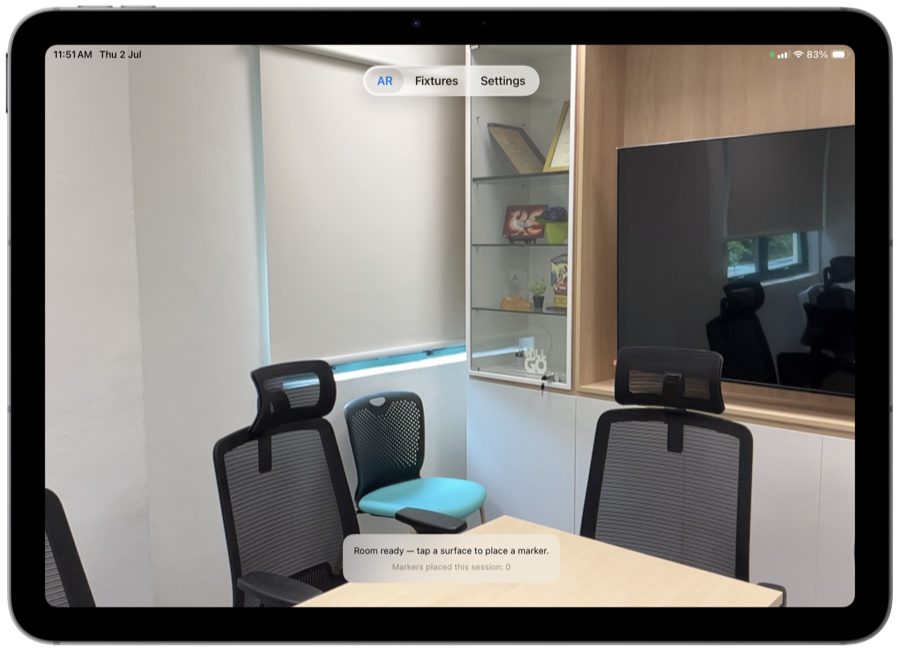
Placing a marker takes one tap
Status-colored markers show up right where fixtures are
Browse your fixtures and dive into details side-by-side
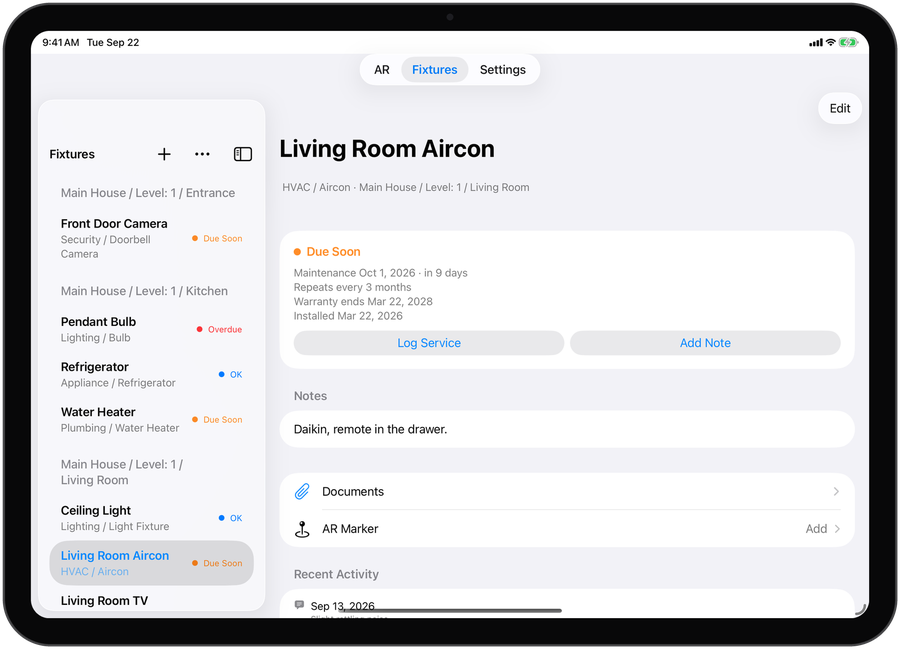
Repeating reminders, maintenance and warranty dates
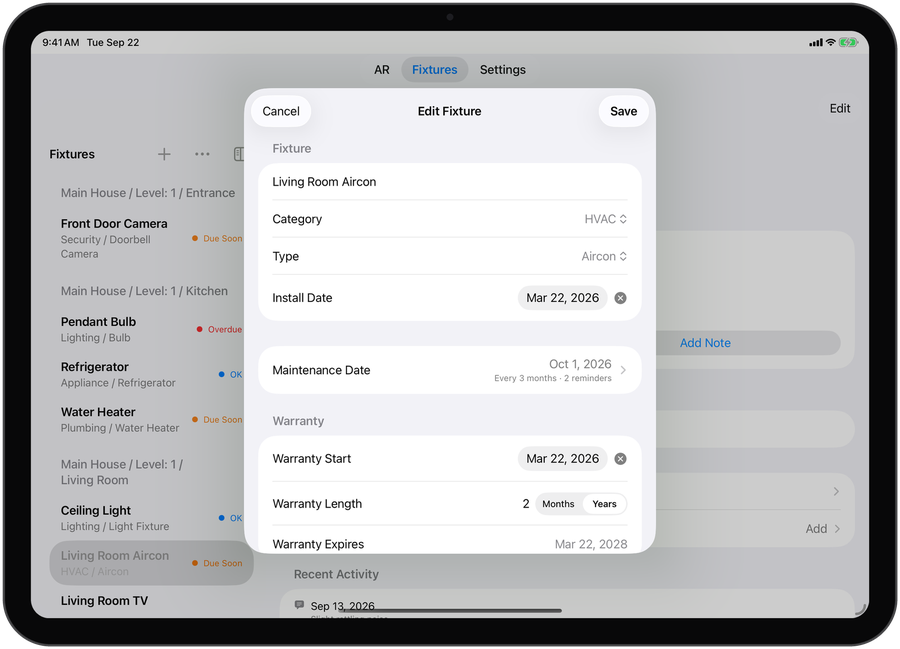
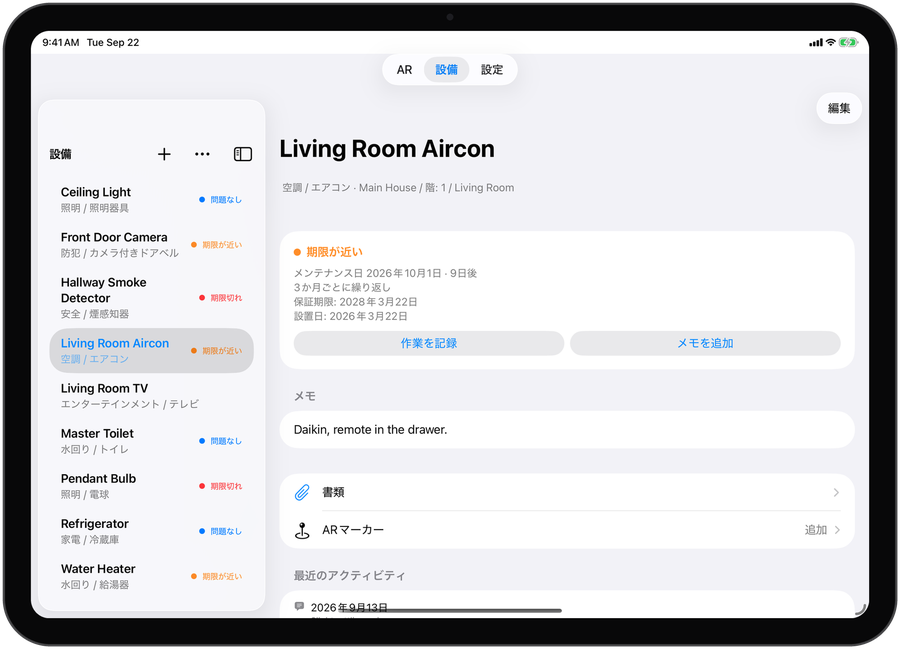
Available in 11 languages
means house.
means a waymark — the cairn hikers stack to mark a trail and promise a way back.
Husvarde borrows both ideas: a marker for every fixture in your home, so you always know where to look and what was last done.
Log fixtures and service history with no cap on depth — even on the free tier. Only the fixture count is limited.
Spatially tag fixtures when you want to — entirely optional. Every core feature works without ever opening AR mode.
Four maintenance states — overdue, due soon, upcoming maintenance, and no due date — use a palette designed to stay distinguishable for colorblind users.
Attach the receipt, the warranty card, or an install photo to the fixture it belongs to. Included with the one-time unlock.
See what's overdue and due soon without opening the app. Tap to open the fixture that needs attention — or your list, when several do.
Set upkeep to repeat every few weeks, months, or years — logging a service sets the next date for you.
Record when a warranty starts and how long it lasts, and see when it ends. It's a record, not a reminder — free for everyone.
English, Simplified Chinese, Japanese, Korean, German, French, Spanish, Brazilian Portuguese, Italian, Norwegian, and Filipino — free for everyone.
Clear out every fixture in a room at once, after a confirmation — it works from your room labels, so no AR needed.
Native app for both form factors — no Mac or web version.
Requires iOS 18 or later on your device.
List-based tracking works without ever opening AR mode.
Free for up to 20 fixtures. Unlock unlimited fixtures, attachments, and iCloud sync with a one-time purchase (~$4.99).

iPhone and iPad only. No subscription.
Need help? Visit Support & FAQ or email support@husvarde.com.